ICT Class 9 Chapter 1 Lecture 5 | MS Word Home Tab Complete Guide | Punjab Board

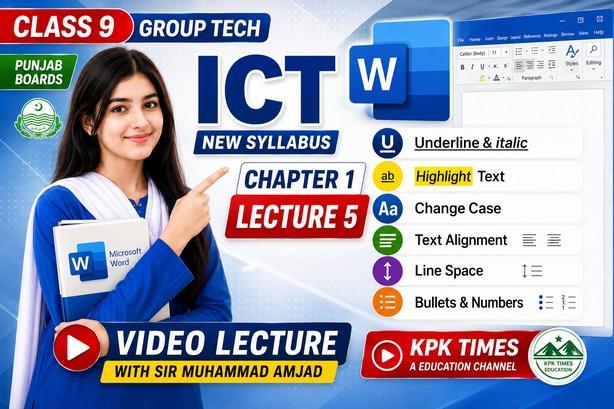
Class 9 Information & Communication Technology (ICT) New Syllabus 2026 Punjab Boards
📚 Chapter 1 – Practical 5
🎥 Class 9 ICT Chapter 1 Lecture 5
In this video lecture, Sir Amjad explains important Microsoft Word formatting tools in a simple and practical way. Students will learn how to format text professionally using MS Word.
✅ Topics Covered:
✔ Text Underline in MS Word
✔ Italic Formatting
✔ Change Case (UPPERCASE, lowercase, Sentence Case)
✔ Text Alignment (Left, Center, Right, Justify)
✔ Line Spacing
✔ Bullets and Numbering
✔ MS Word Practical Exercises
✔ Punjab Board ICT New Syllabus 2026
This lecture is specially designed for Class 9 ICT students of Punjab Boards and helps in exam preparation, practical work, assignments, and computer skills development.
👨🏫 Video Lecture by: Sir Amjad
📺 Channel: KPK Times Education Channel
🔔 Subscribe for complete Class 9 ICT and Computer Science lectures according to the latest Punjab Board syllabus.
#Class9ICT #MSWord #PunjabBoard #ICT2026 #MicrosoftWord #Class9Computer #KPKTimes #SirAmjad #WordFormatting #BulletsAndNumbering #TextAlignment #LineSpacing #ChangeCase #Underline #Italic
Class 9 ICT Chapter 1 Lecture 5, Class 9 ICT Practical 5, ICT Class 9 Punjab Board 2026, MS Word Formatting, MS Word Underline, MS Word Italic, Change Case in MS Word, Text Alignment in MS Word, Line Spacing in MS Word, Bullets and Numbering, Microsoft Word Tutorial, Class 9 Computer Science, ICT New Syllabus 2026, Punjab Boards ICT, MS Word Practical Class 9, Word Processing, KPK Times, Sir Amjad, Computer Education Pakistan, ICT Lecture 5,
#️⃣ Hashtags #Class9ICT
#ICT2026
#PunjabBoard
#MSWord
#MicrosoftWord
#WordFormatting
#TextAlignment
#LineSpacing
#BulletsAndNumbering
#ChangeCase
#Underline
#Italic
#Class9Computer
#SirAmjad
#KPKTimesEducation
#ComputerEducation
#ICTLecture5
#PunjabBoards
#WordProcessing
#EducationPakistan